What changed
Agents in Nebula can now handle websites you don't have an account on yet. Ask for it in a Channel and the agent opens the site in a Fastbrowse browser, fills in the sign-up form, logs in and carries on with the actual work: posting, filling in a profile, setting something up.
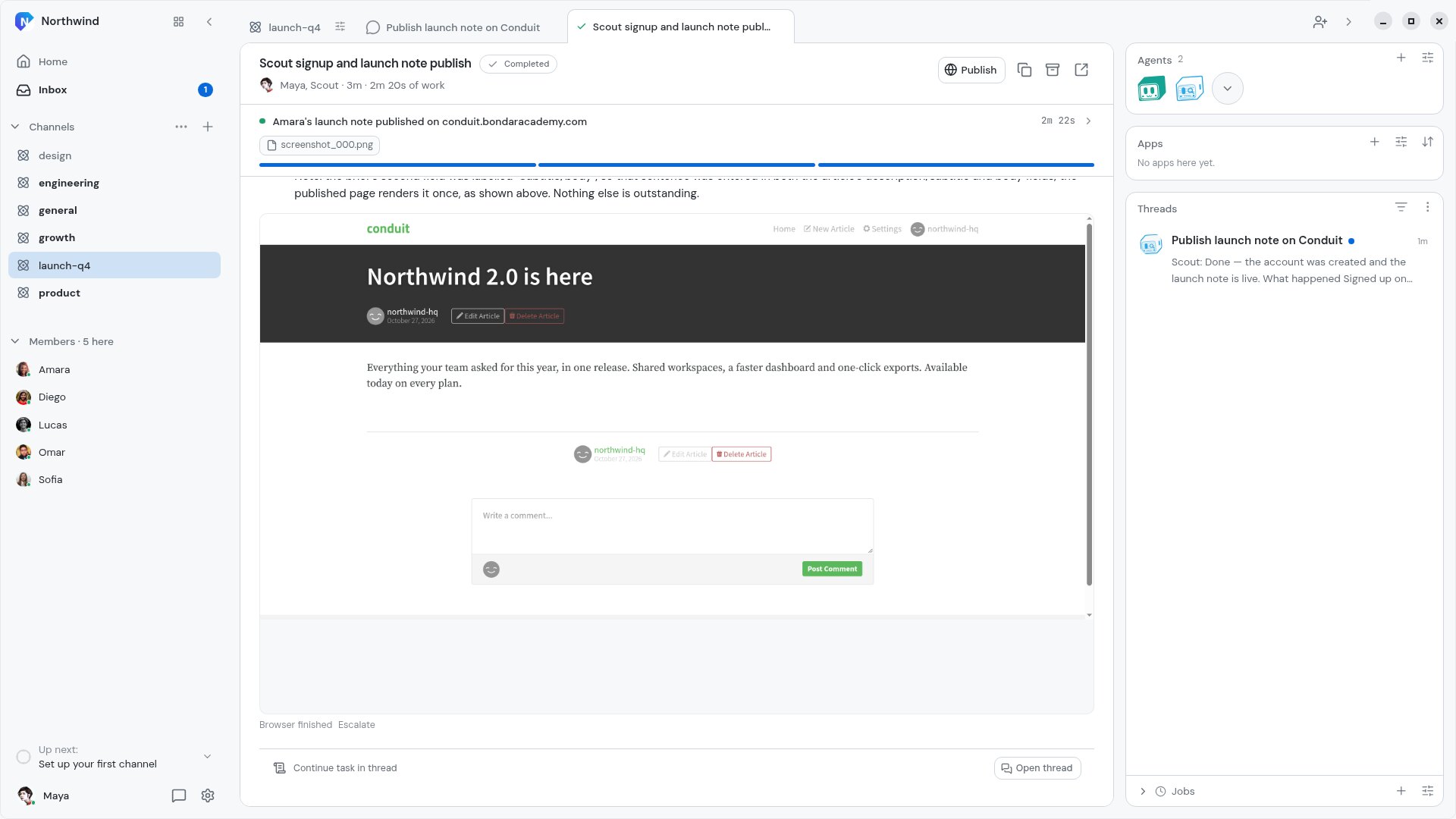
In the video, the Northwind team needs its launch note on the Conduit blog and nobody has an account there. Maya asks Nebula, Scout makes the northwind-hq account, logs in, writes the post and publishes it. One browser run, a little over two minutes, all of it visible in the Task.
How it works
- Save the password once in the desktop app: Settings, Connections, Variables. Add a secret, turn on Use in browser tasks and list the sites it belongs to, like
https://conduit.bondaracademy.com. - In a Channel, ask for the job: "have Scout sign us up on conduit.bondaracademy.com in the browser, log in, and publish Amara's launch note there".
- Nebula hands it to an agent, which starts a Fastbrowse run. Open the Task to watch the sign-up form fill in, the login and every step after it.
- When the browser reaches a password field, it types your saved value in. The browser agent only works with the secret's name. The value is filled in only when the page is on one of the sites you listed.
- Steps that can't be undone, like publishing or paying, wait for your approval unless your ask already said to go ahead. Here Maya's message said "You're cleared to publish", so the post went straight out.
If you use Bitwarden or 1Password with Nebula, the browser can sign in with the login saved there for the site instead.
Why it matters
Plenty of useful work starts with "make an account": a new tool to try, a directory to list your company in, a blog to cross-post to. That used to be the step you couldn't hand off. Now the agent does the whole thing, and your password only ever goes to the site you saved it for.