What changed
Open Nebula on your phone and the bubble over the cube on Home tells you what needs you most. No more scanning the Inbox to work out where to start.
- Catch up first. The bubble names the one conversation that matters right now. Tap it and you land on that reply.
- Then your next task. Once you are caught up, the bubble suggests what to do next. Tap it and Nebula drafts the message in the box, already pointed at the right conversation.
- You stay in control. Nothing is sent until you tap send. You can edit the draft, or send it somewhere else.
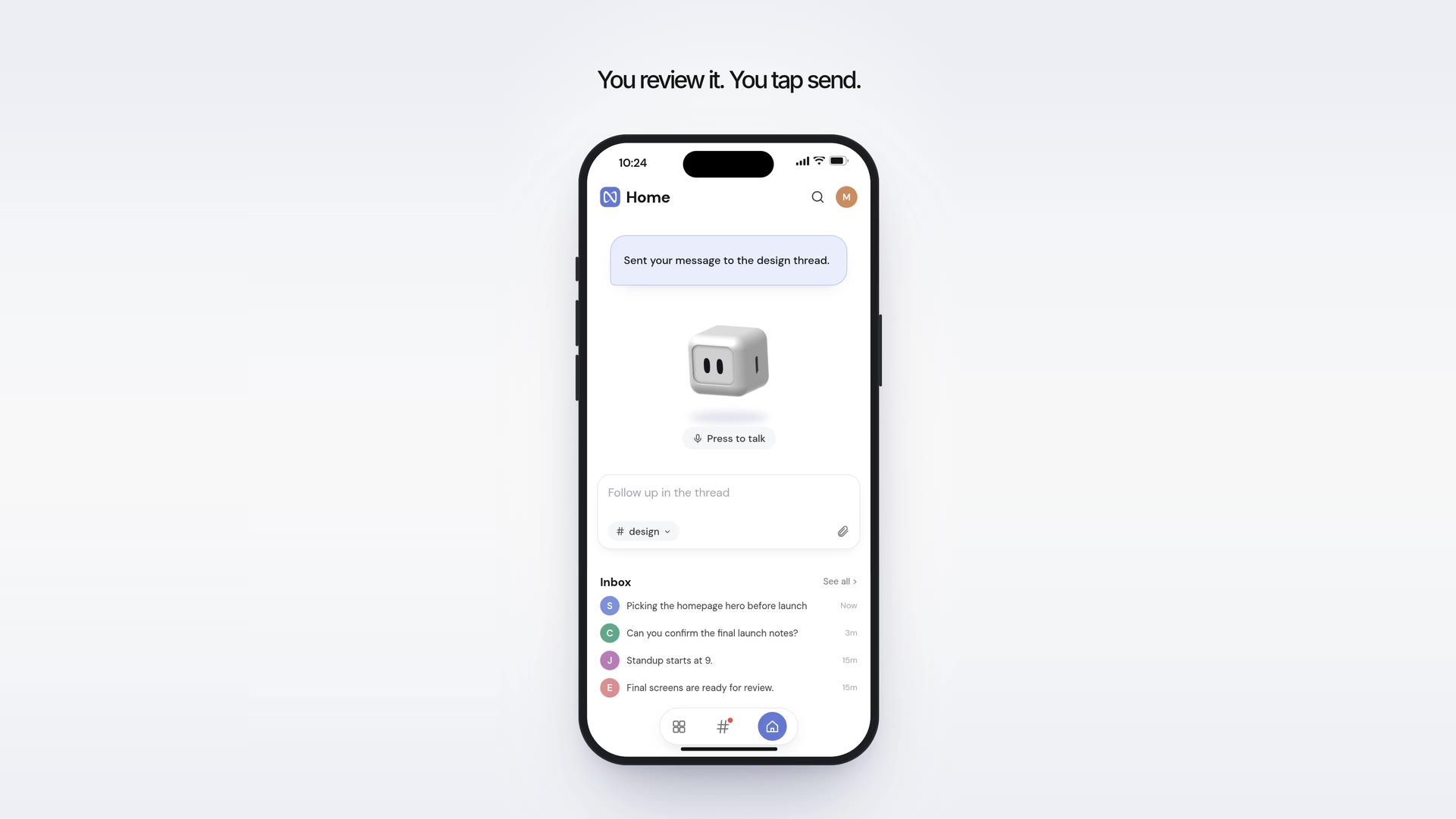
In the video, you open the app and the bubble says Chris needs the final launch notes before 9. A tap opens that reply in #launch. Back on Home, the bubble suggests asking Sarah to pick the final homepage hero. A tap drafts the message to Sarah. You read it and tap send, and Home says it went to the design thread.
When there is nothing to say, the bubble shows your counts, as before: "2 threads are waiting for you."
How it works
- Open Home. Nebula looks at what is waiting on you and writes one short line.
- If something needs you, the line names it. A Task waiting on you comes first, then a mention, then an unread reply from a person.
- If nothing needs you, the line suggests one next task from what you were working on. Tap it and the message is drafted in the box. A strip over the box shows where it will go.
- After you send, the bubble says where the message went. Tap it to open that conversation.
The line updates when your Inbox changes. If a line cannot be written, the bubble keeps the counts.
Why it matters
The counts told you something was waiting. They did not say what mattered, or what to do about it. Now the first thing you see when you open the app is the most important thing to catch up on, then your next task, drafted and ready for you to send.